USD
 SEK
 EUR
 AED


Resume & cover letter builders
Offer guided sections for personal details, work experience, education and skills, plus a dedicated builder for tailored cover letters.
Turn professional applications into an online service. MakeCV gives your customers the tools to create resumes and cover letters, while you manage plans, payments, content and support from one place.
A suitable hosting account and your own payment-provider accounts are needed to operate the platform.
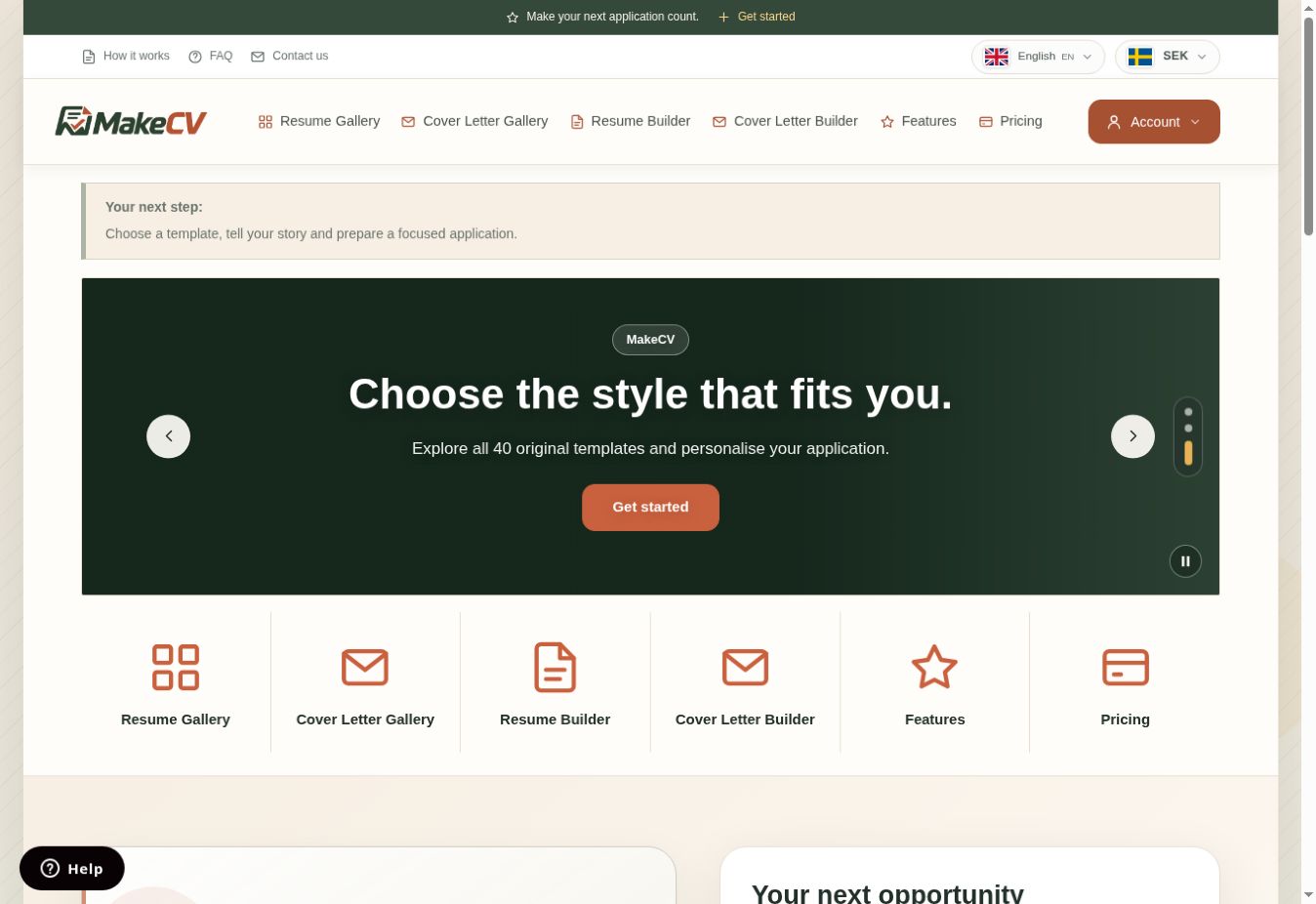
MakeCV is software for operating your own resume-building website. Visitors choose a template, add their experience, education and skills, then review the layout and save a PDF. They can keep multiple documents in their account and prepare a different application for each role.
You control your site's identity, membership plans and customer access. The platform combines the customer experience with the management tools needed to run the service on your own domain.
Offer guided sections for personal details, work experience, education and skills, plus a dedicated builder for tailored cover letters.
Let customers explore different layouts, personalise colours and keep their saved details when changing a resume template.
Customers manage their resumes and cover letters, review usage allowances, save PDFs and control optional public sharing links.
Support Arabic and English alongside other platform languages, with right-to-left and left-to-right layouts and a responsive mobile experience.
Set plan durations and document creation limits. Connect your Stripe and PayPal accounts to receive payments using the supported checkout methods.
Manage page SEO, site content and custom header or footer snippets for tools such as analytics and customer support.
Manage the service from the administration area: review customers, assign plans, follow orders and invoices, and respond to support requests.
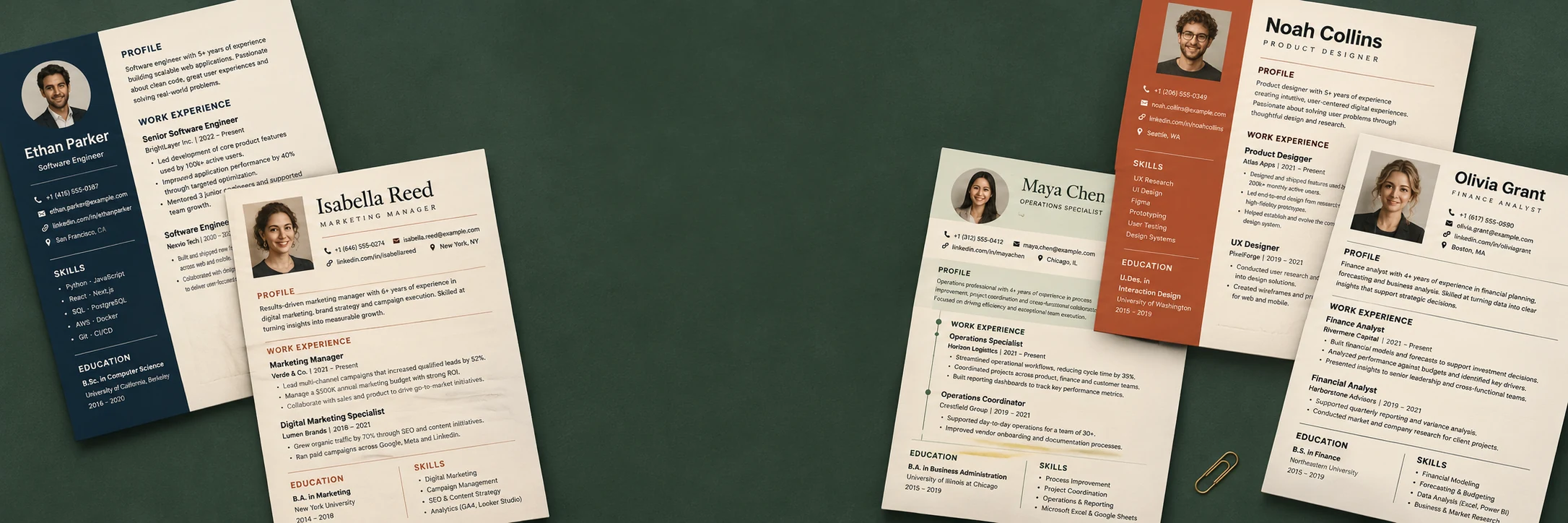
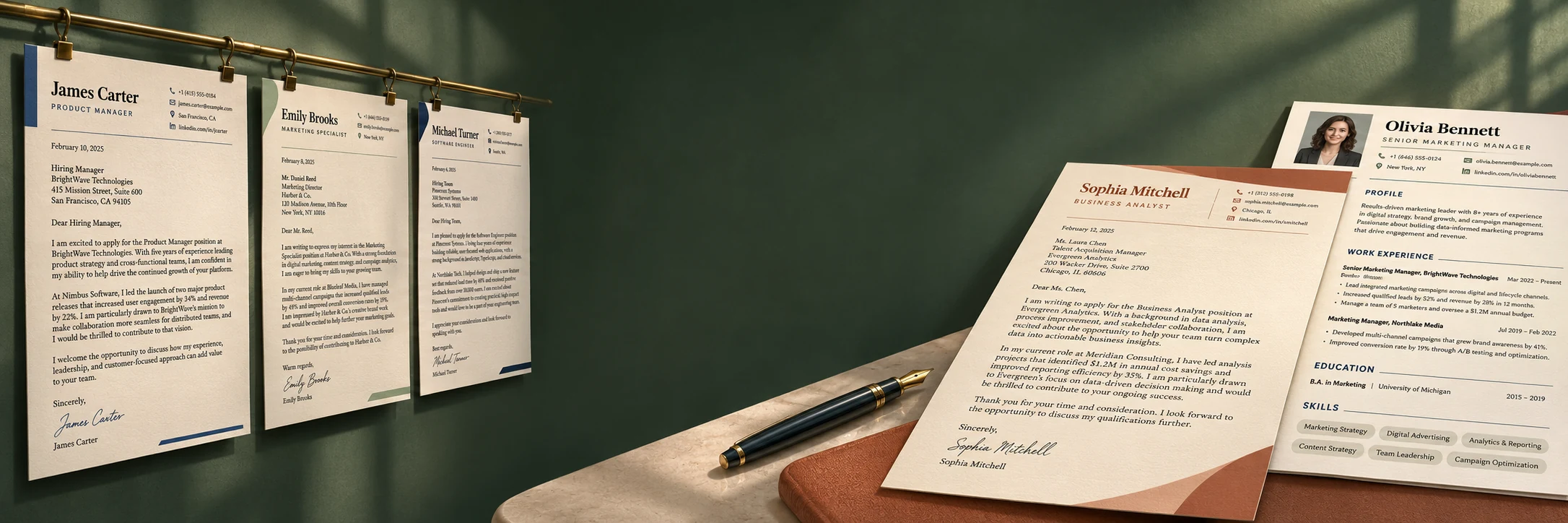
A view of the MakeCV interface and presentation images from the platform library. Open an image at full size, or explore the live website to try the templates.
See the document creation workflow in this short product video.
English video · Arabic subtitles available
The PHP application is designed for a cPanel hosting account. Upload the files, create a database, then follow the browser installer to connect the database and create the administrator account.
Place the MakeCV package on the hosting account for your chosen domain.
Enter the database details and create your administrator account in the browser.
Set your branding and plans, configure payment and email accounts, then review the customer journey.
This product is the MakeCV platform software for running your own website. The membership plans in the live demo are examples of what your customers can purchase on a MakeCV-powered website.
Yes. Install the platform on your hosting and configure your site identity, content and available plans from the administration area.
Yes. The interface and document experience support Arabic and English with RTL and LTR layouts. The platform also includes additional languages.
Connect your own supported Stripe and PayPal accounts in MakeCV. Available methods depend on your account, country, device and provider configuration.
Initial installation uses a browser wizard. For later releases, upload the updated files and run the database upgrade from the administration area when the release requires it.
Review the selected product, billing cycle and purchase terms during the WHMCS order process. Contact us if you need clarification about the license, delivery or support before ordering.
Explore MakeCV, review the features and choose the product configuration that fits your project.